
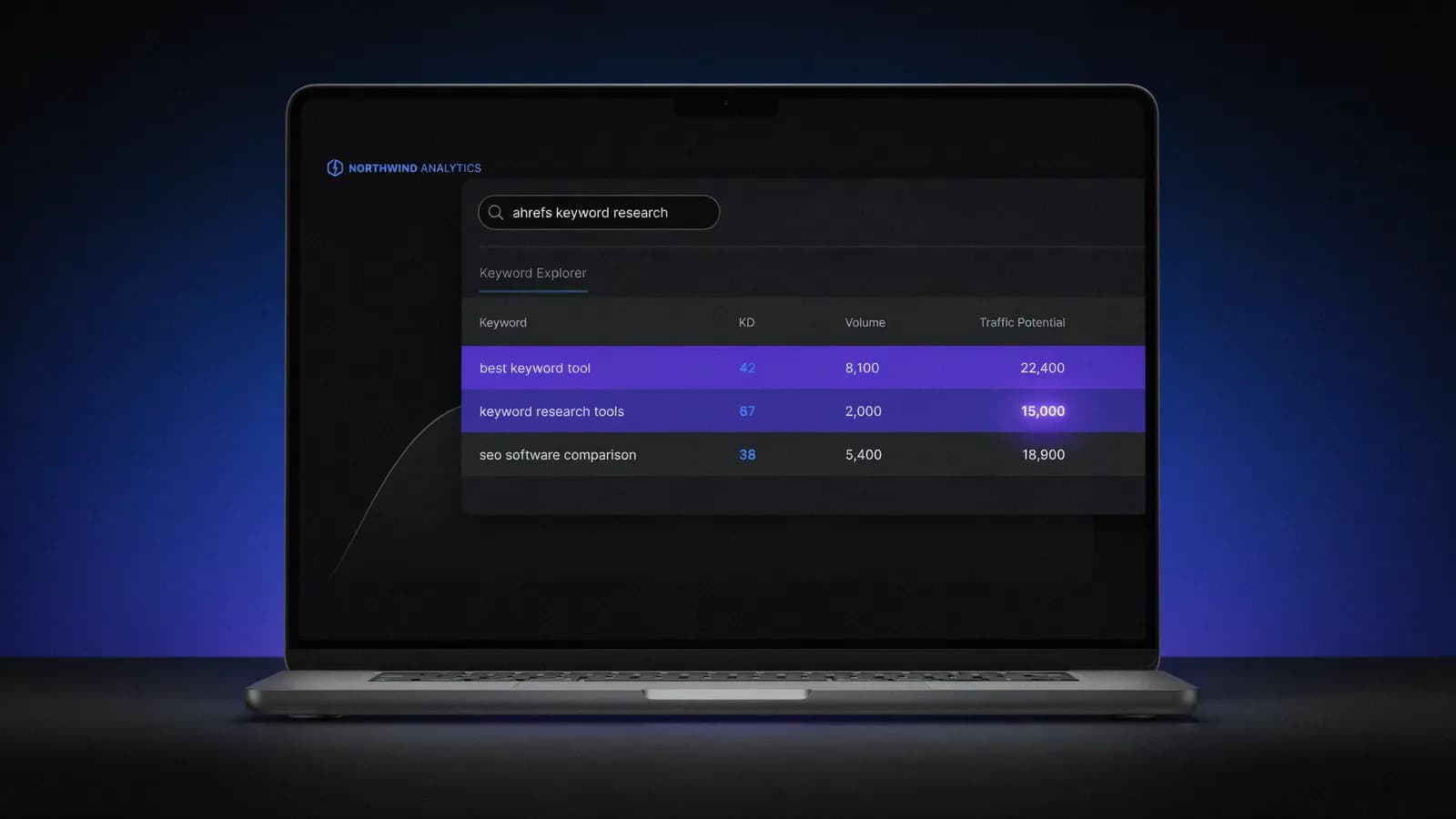
You open Keywords Explorer. You type in your seed keyword. 800 results load. You filter by KD under 30, sort by volume, and the top keyword shows 40,000 monthly searches. You add it to your list. Three months later, your page sits at position 47. The KD score said this should be winnable. So what went wrong?
That exact scenario plays out every week for SEO teams using Ahrefs keyword research as their primary planning tool. Not because the data is wrong — it isn't. But because three of the most important numbers in Keywords Explorer are consistently misread. And the metric that would have saved those three months? It's right there in the interface. You've probably scrolled past it.
What Ahrefs Keywords Explorer Actually Is
Ahrefs Keywords Explorer is a standalone keyword research tool inside the Ahrefs suite. It draws from an Ahrefs keyword database of 28.7 billion keywords across 243 countries. That makes it one of the largest keyword databases commercially available today.
The data sources are layered. Ahrefs pulls from clickstream data, Google Search, YouTube, Amazon, and several other platforms. This means you're not just seeing search volumes — you're seeing click patterns, SERP competition snapshots, and cost-per-click estimates for paid search.
What separates Keywords Explorer from simpler tools is the depth of its SERP analysis layer. Every keyword comes with a top-10 SERP snapshot, showing you exactly which pages rank, their domain ratings, and the number of referring domains pointing to each. This is where Ahrefs earns its reputation for accuracy — not in the volume estimates, but in the competitive intelligence baked into every keyword view.
The tool is organized around one core workflow: find a keyword, evaluate its difficulty, estimate your real traffic ceiling, and decide whether it's worth targeting. Simple in theory. In practice, most users get stuck at step two — because they're reading the wrong metrics.
The 3 Metrics That Actually Matter
Ahrefs displays a lot of data per keyword. Most of it is noise for the first five minutes. Here are the three numbers that should drive every targeting decision.
Keyword Difficulty (KD): More Honest Than You'd Expect
Ahrefs KD is expressed as a score from 0 to 100. It represents the weighted average number of referring domains pointing to the top 10 ranking pages for that keyword. A KD of 30 means the average top-10 page has roughly 30 unique referring domains linking to it.
This is different from how Semrush calculates KD. Semrush uses a composite score that blends backlinks, on-page factors, and search behavior signals. In Semrush vs Ahrefs breakdowns, Ahrefs' backlink-only approach actually wins on transparency — you know exactly what you're competing against, and you can verify it in the SERP snapshot below the score.
The limitation is real: Ahrefs KD doesn't account for content quality, topical authority, or search intent alignment. A keyword with KD 12 can still be nearly impossible to rank for if every top result is a YouTube video and Google has locked the SERP into a video carousel. The score tells you about link competition. It doesn't tell you about format competition.
Use KD as a starting filter, not a final verdict. Always open the SERP snapshot before you commit to a keyword.
Traffic Potential (TP): The Metric That Changes Everything
Traffic Potential is the most underused metric in Ahrefs — and the one that sets it apart from every alternative on the market.
Here's what it actually measures: Ahrefs looks at the top-ranking page for a keyword, then estimates the total clicks that page receives across all the keyword variants it ranks for. TP is that estimated traffic number.
Why does this matter? Because volume tells you how many people search a single query. TP tells you how much traffic you could realistically capture by ranking for that query — because the page that ranks #1 also captures traffic from hundreds of related variations.
A concrete example: suppose you're looking at a keyword with 2,000 monthly searches and a KD of 18. Looks modest. But its TP is 15,000. That means the #1 ranking page pulls roughly 15,000 monthly clicks across all related queries — not just the exact match. The real traffic opportunity is 7.5x larger than the volume figure suggests.
This changes how you build your targeting list. Filtering by TP instead of volume surfaces keywords where the full traffic ceiling is significant, even when the headline search volume looks unremarkable. It's a fundamentally different way to prioritize.
No other major keyword tool currently shows Traffic Potential as a native metric. This alone justifies the Ahrefs subscription for many SEO teams.
Clicks vs Impressions: The Zero-Click Reality Check
Not every search ends in a click. Google has made this worse over the last three years with featured snippets, AI Overviews, knowledge panels, and direct answer boxes.
Ahrefs shows you two separate columns: Clicks (estimated actual clicks per month) and Impressions (total searches). When the ratio is low — say, 12,000 impressions but only 800 clicks — that keyword is a zero-click trap. Ranking #1 gets you near-nothing in traffic terms.
Look for keywords where clicks are close to or higher than the volume estimate. These are the queries where users actually need to visit a page for the answer. Informational queries like "what time is it in Tokyo" or "how tall is the Eiffel Tower" have near-zero click rates. Commercial and transactional queries — where someone is comparing tools, looking for a service, or trying to solve a specific problem — typically have much healthier ratios.
The Clicks column is one of the most honest signals in Keywords Explorer. Use it.
How to Find Keywords You Can Actually Rank For
This six-step workflow is built around the three metrics above. It's designed to move you from broad seed to a verified, rankable shortlist in under 30 minutes.
Step 1: Start with a seed keyword, not a topic.
Enter a specific keyword — something like "keyword research tool" or "ahrefs keyword research" rather than just "SEO." The broader your seed, the more noise you'll filter through. Start narrow, then expand.
Step 2: Filter by Traffic Potential, not volume.
Set TP minimum at 500. This removes keywords where ranking #1 would still send you very little traffic. You want topics with real upside, even if the individual keyword volume looks small.
Step 3: Apply a KD ceiling, then verify manually.
Set KD maximum at 30 for new or mid-authority sites. But don't stop there — open the SERP snapshot for every keyword that survives this filter. Check who's ranking: if the top five results are all Forbes, HubSpot, and Semrush, that KD score is lying to you. Domain authority and topical trust matter beyond what KD captures.
Step 4: Check the Parent Topic.
Ahrefs groups similar keywords under a Parent Topic — the main query Google associates with the underlying intent. If five of your shortlisted keywords share the same Parent Topic, you don't need five pages. You need one page optimized for the Parent Topic, and it will capture traffic from all five variations.
This is how you avoid creating content cannibalization at the research stage, before you've written a single word.
Step 5: Look for weak incumbents.
Scroll down the SERP snapshot. Are any top-10 pages PDFs? Old forum threads from 2019? Thin tool-vendor pages with no depth? These are rankable gaps. A well-structured, current article aimed at humans will outperform most of these pages within 90 days — assuming your domain has baseline authority.
Step 6: Group by Parent Topic and export.
Group your final list by Parent Topic before handing it to your content calendar. This ensures you're building clusters, not one-off articles. Ahrefs doesn't do this grouping automatically, so you'll need to do it in a spreadsheet or content planning tool.
Where Ahrefs Keyword Research Falls Short
Ahrefs is a strong tool. It's not a complete tool. Here's where it creates real friction.
The price point is aggressive. Ahrefs Lite costs $129 per month. Standard is $249 per month. Lite limits you to 500 keyword results per search and restricts how many SERP positions you can check per report. For a solo SEO or small team, that ceiling hits faster than expected. You'll outgrow Lite before you feel like you've mastered the tool.
There are no AI-generated keyword suggestions worth trusting. Type in a seed keyword and Ahrefs gives you data — clean, reliable data. It does not suggest angles, identify emerging topics, or surface content gaps based on what you've already published. The AI keyword suggestions it does offer are often hollow — Ahrefs surfaces plausible-sounding phrases with zero search data behind them. If you want a strategic recommendation layered on top of the raw numbers, you're building that yourself.
PPC workflows are not integrated. Keywords Explorer was built for organic search. If you run paid search campaigns alongside SEO, you'll need to export data and rebuild it inside Google Ads or a separate PPC platform. The CPC column exists, but there's no campaign structure builder, no quality score context, no ad group organization tool.
KD can mislead on informational queries. A keyword with KD 8 and 8,000 monthly searches can look like a gift. But if the SERP is dominated by Google's AI Overview and a featured snippet, you might rank #3 and receive 200 clicks a month. Ahrefs shows SERP features as icons in the snapshot, but it doesn't explicitly warn you when a keyword is effectively zero-click. You have to read that signal yourself.
The learning curve is real. Keywords Explorer is powerful, but it rewards users who understand what KD and TP actually measure. New users default to sorting by volume and targeting by KD — which leads to exactly the scenario in the opening. The tool assumes you already know how to interpret the data correctly, and it never actually explains how Ahrefs keyword research works under the hood — you either learn it here, in the Ahrefs Academy docs, or the hard way.
Ahrefs Keywords Explorer vs Alternatives
How does it compare to the main alternatives in 2026?
Feature | Ahrefs | Semrush | SE Ranking | Allable.ai |
|---|---|---|---|---|
Keyword database | 28.7B | 25B | 5B+ | API-powered |
Traffic Potential metric | Yes | No | No | Yes |
KD methodology | Backlink-based | Composite | Backlink-based | AI-enhanced |
Clicks data | Yes | Estimated | No | Yes |
AI keyword suggestions | Limited | Yes | Limited | Native |
PPC workflow integration | No | Yes | Partial | Yes |
Content workflow | Separate tool | Partial | No | Integrated |
Starting price | $129/mo | $139.95/mo | $44/mo | Free / €31/mo |
The right choice depends on what you're actually trying to do. If you need raw keyword data with maximum database depth and you're comfortable doing your own strategic interpretation, Ahrefs is the most rigorous option. If you need keyword research and content production integrated in one workflow — without the manual export-and-reformat loop — that's a different tool category.
Semrush and Ahrefs trade differently depending on whether you prioritize backlink analysis or content marketing integration. For a full breakdown, see the Semrush vs Ahrefs comparison. For tools that cost less or focus on different workflows, the Ahrefs alternatives overview covers eight options in detail.
Allable.ai sits in a different lane: it combines keyword research with an AI content pipeline and campaign management, starting with a free plan. The tradeoff is a less mature raw backlink index. For teams that need a single platform rather than a stack of specialized tools, that tradeoff is often worth it.
Ahrefs Keywords Explorer is a serious tool for serious keyword research. The database is large, the KD methodology is transparent, and Traffic Potential is a genuine competitive advantage over most alternatives. The price is real, the AI layer is thin, and the learning curve is steeper than the clean interface suggests. If you know what you're doing with it — specifically if you understand TP and you verify every KD score against the actual SERP — it earns its place in any SEO stack. If you're still building that foundation, start with something more guided.
Frequently Asked Questions
- How does Ahrefs keyword research actually work?
- Ahrefs Keywords Explorer pulls from a database of 28.7 billion keywords built from clickstream data, Google Search, YouTube, Amazon, and other sources. You enter a seed keyword, and it returns matching terms along with three core numbers: Keyword Difficulty (a backlink-based score of how hard the keyword is to rank for), Traffic Potential (the estimated total traffic the current #1 page earns from all its ranking variants), and Volume/Clicks data. The workflow is: find a keyword, evaluate KD, check Traffic Potential, verify the SERP manually, then decide if it's worth targeting.
- Is Ahrefs keyword research accurate?
- The volume estimates are directionally accurate — they're derived from clickstream data and calibrated against multiple signals. They won't match Google Search Console data exactly, but they're reliable enough for prioritization decisions. The KD scores are more precisely calculable because they're based on countable backlink data. For overall accuracy among keyword tools, Ahrefs is consistently rated as one of the most reliable.
- What is Traffic Potential in Ahrefs and why does it matter?
- Traffic Potential (TP) shows you the estimated total monthly clicks that the #1 ranking page receives across all keyword variants it ranks for — not just the exact keyword you searched. This matters because the search volume on a single keyword dramatically understates the real traffic opportunity. A keyword with 1,500 monthly searches might have a TP of 12,000. That's the realistic ceiling if you rank at the top. TP is one of the few Ahrefs metrics with no direct equivalent in competing tools.
- How does Ahrefs KD compare to Semrush KD?
- Ahrefs KD is based purely on backlinks — specifically, the weighted average number of referring domains pointing to the top 10 ranking pages. Semrush KD uses a composite calculation that blends backlinks, on-page factors, and behavioral signals. In practice, Ahrefs KD is more transparent (you can verify it against the SERP snapshot) but also narrower — it misses content-quality and intent signals that Semrush attempts to factor in. Neither score tells the full story. Both require manual SERP verification.
- Is Ahrefs worth $129/month just for keyword research?
- It depends on your output volume. If you're publishing four or more articles per week and using keyword data to guide every decision, $129/month for Lite is defensible — especially given the Traffic Potential metric, which can fundamentally change your targeting strategy. If you're publishing once a week or less, or if you also need content production tools in the same budget, Ahrefs Lite may feel expensive for what you use. SE Ranking offers keyword research at $44/month if budget is the primary constraint. Allable.ai covers keyword research alongside content creation starting on a free plan.
- Can you do keyword research on Ahrefs for free?
- No. Ahrefs does not offer a free keyword research tier. The Ahrefs Webmaster Tools product is free but limited to site audit and backlink data for domains you own — it does not give you access to Keywords Explorer. The lowest entry point for keyword research is the Lite plan at $129/month. Some limited keyword data is visible via Ahrefs' free keyword generator tool at ahrefs.com/keyword-generator, but it shows only a handful of suggestions without full metrics.
Want keyword research and content production in one workflow?
Allable.ai combines keyword research with an AI content pipeline and campaign management — no export-and-reformat loop between tools. Start free, no credit card required.